Students
Screenshot Suite for students
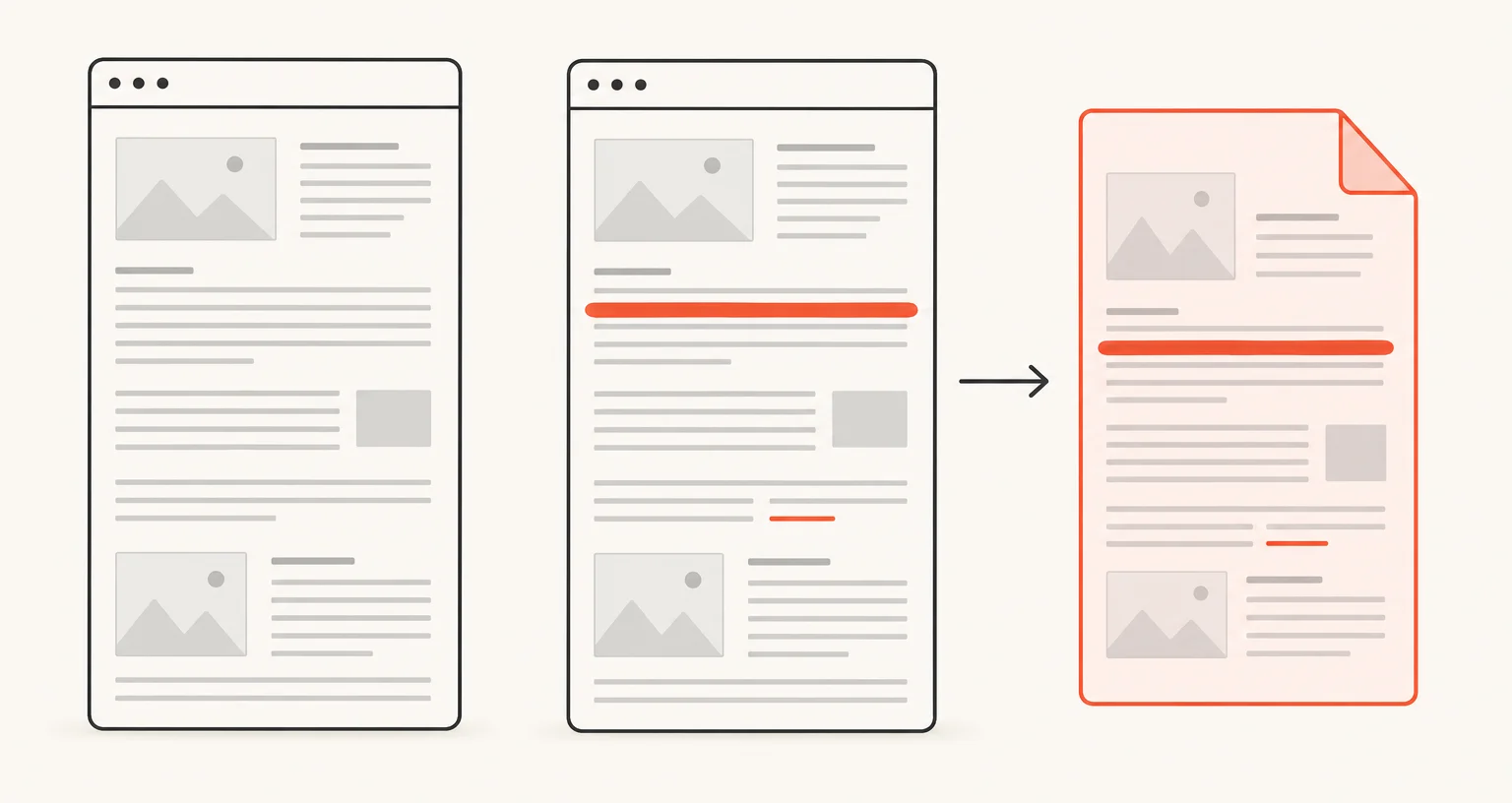
Screenshot Suite captures an entire page of notes or a source, lets you annotate it with highlights or text, and exports it as a PDF, split automatically into A4 pages if the capture is long.
Published · Updated
How do students use Screenshot Suite for notes and research?
Capture a source with Full page for an entire article from top to bottom, or Select an area when only one section matters. In the editor, highlight the parts that matter, add text notes, or draw directly on the capture, then export it as PNG, JPEG, or PDF.
Which tools help most for annotating a source?
The highlighter marks a passage without covering the text underneath; the freehand tool underlines or circles a specific detail; text boxes add your own notes next to the original content. All are available on any image capture.
What about a source that’s too long to fit one page?
Full page scrolls and stitches the entire page automatically, and exporting it as a PDF splits a long capture into A4 pages so it stays readable and printable rather than one unmanageably tall image.