Recording
How to add a webcam bubble to a screen recording
Turn on the webcam overlay before starting a Record screen / window capture. The webcam is recorded separately and merged into the video as a round bubble once you stop, taking roughly as long as the recording itself, with progress shown in the popup and the extension's badge.
Published · Updated
How do you add a webcam bubble to a screen or window recording?
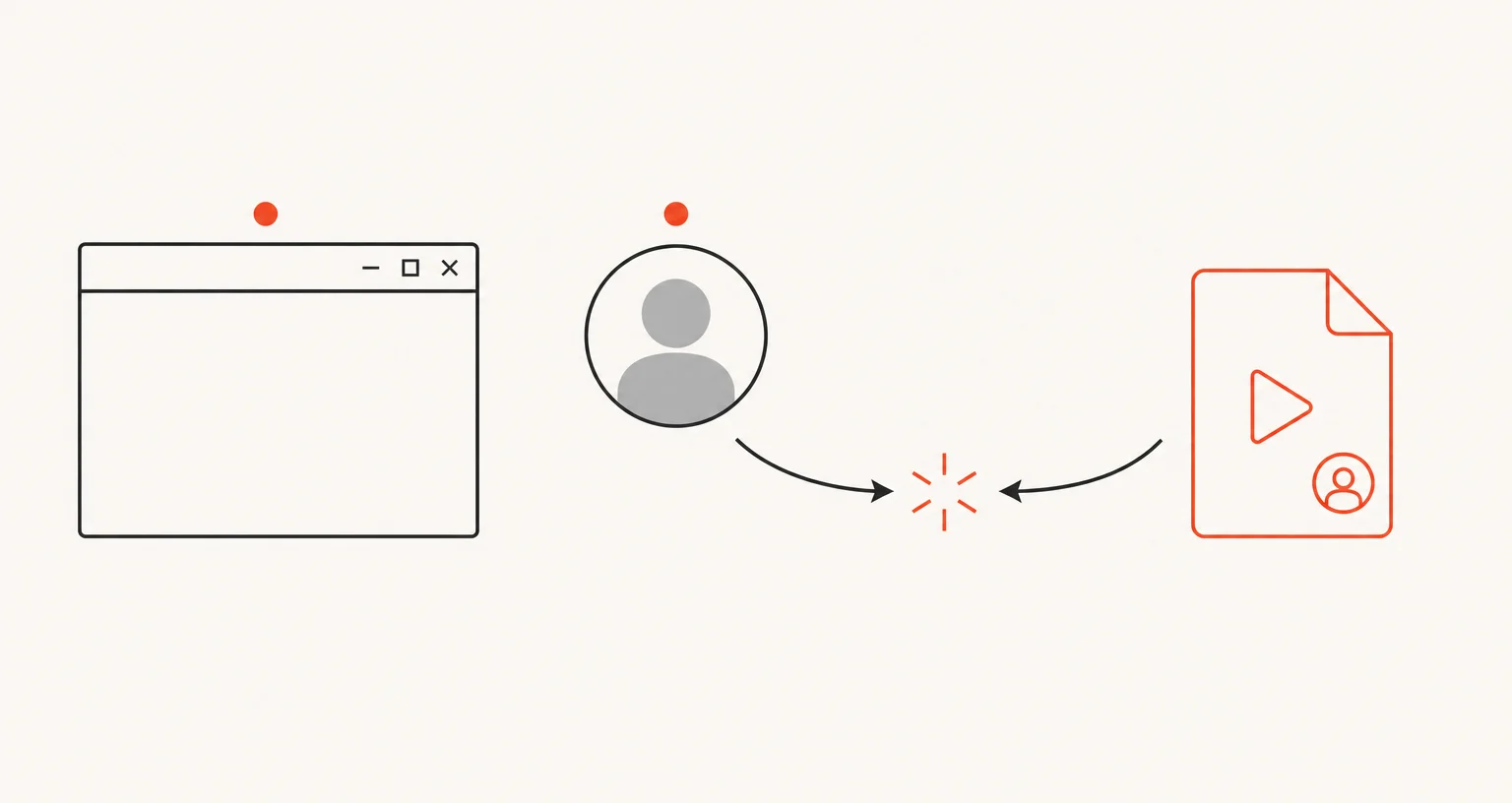
Open the popup’s Recording tab, turn on the webcam overlay, then start Record screen / window as usual and choose a screen or window in Chrome’s picker. When you click Stop, the webcam is merged into the recording as a round bubble.
Why does the merge take extra time?
Unlike Record tab, where the webcam is composited live as you record, a screen or window recording captures the webcam as a separate file and merges the two together only once you stop. That merge takes roughly as long as the recording itself, with progress shown in both the popup and the extension’s toolbar badge, worth expecting if you’re recording something long.
Does it capture your voice, and what about system sound?
Your microphone is captured along with the webcam picture when the overlay is on. Either way, with or without the webcam, this mode doesn’t capture system or application audio at all: only what the microphone picks up.
Can you draw on the recording like with Record tab?
No. The live-drawing tool (a floating pencil button for a freehand line that fades after 3 seconds) is specific to Record tab with the webcam on. Record screen / window’s editor is trim and export only, with no annotation tools of its own.
Frequently asked questions
How do you add a webcam bubble to a screen recording?
Turn on the webcam overlay in the popup before starting Record screen / window. Record as usual, then click Stop, and the bubble is merged into the video automatically.
Why does finishing the recording take extra time?
The screen and the webcam are recorded as two separate files, then merged into one video once you stop. That merge takes roughly as long as the recording was, with progress shown in the popup and the extension's badge.
Does the recording capture your voice?
Yes, if the webcam overlay is on. Your microphone is captured along with the webcam picture, but there's no system or application audio either way, with or without the webcam.
Can you draw on the recording like with Record tab?
No. The live-drawing tool is specific to Record tab with the webcam on. This mode's editor is trim and export only.