Capturing
How to capture just one area of a page in Chrome
Screenshot Suite's Select an area mode lets you draw a rectangle directly on the page and captures only what's inside it. Start it from the popup, Alt+Shift+S, or the right-click menu, with no need to crop a larger screenshot down afterward.
Published · Updated
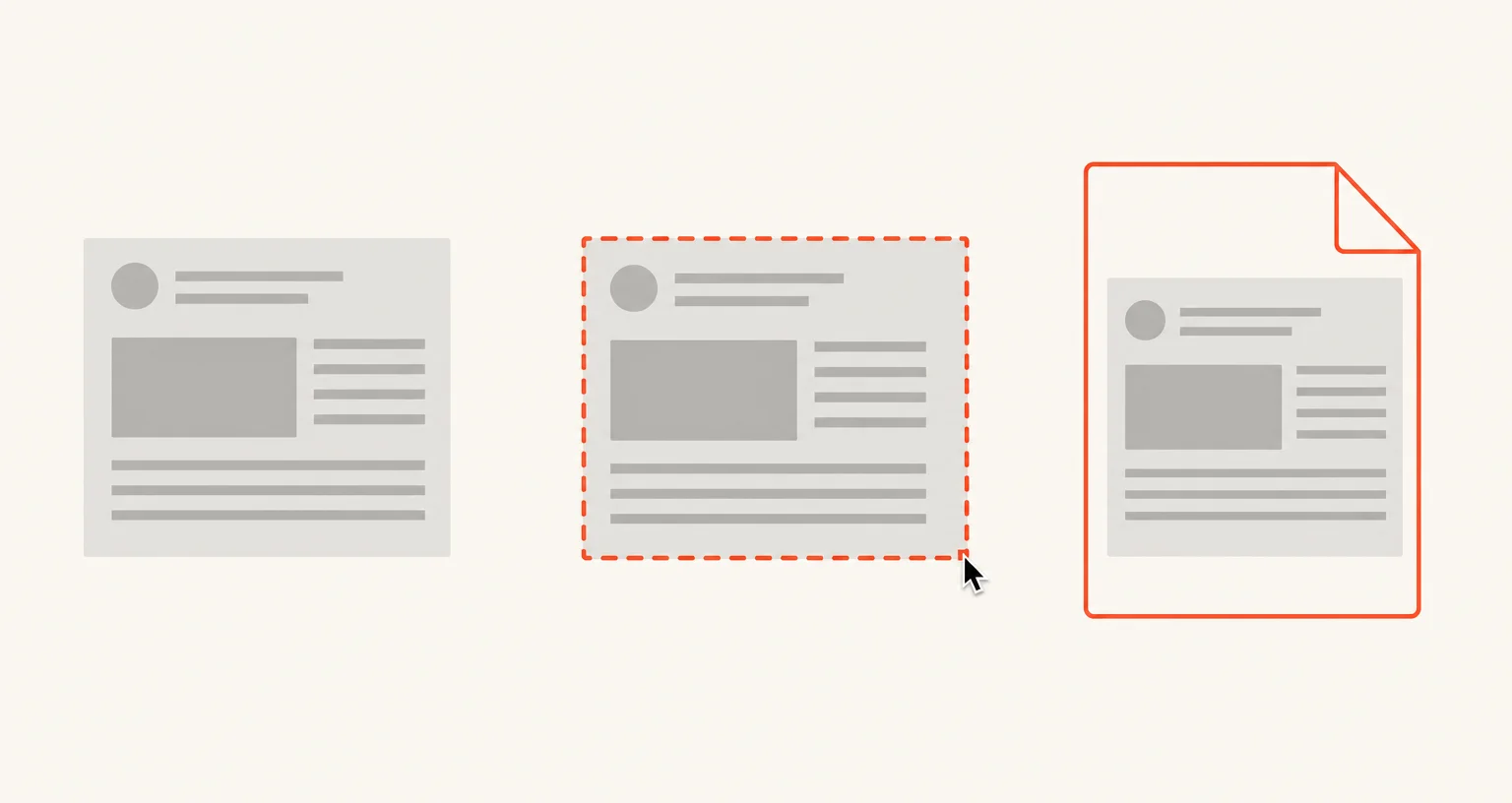
How do you capture just one area of a page?
Start the mode from the popup, with Alt+Shift+S, or from the right-click menu of the page. Select an area is one of only two Screenshot Suite modes with both a keyboard shortcut and a menu entry, the other being Visible area. Once started, drag on the page to draw the rectangle you want; only that area is captured and opened in the annotation editor.
Why draw the area instead of cropping a full screenshot afterward?
Cropping after the fact means a larger image exists first, even briefly. Select an area skips that step entirely: the capture only ever contains what you selected, useful when the rest of the page shouldn’t be captured at all, not just left out of the final export.
What happens after the capture?
The image opens in the editor with the same options as every image mode: PNG or JPEG, PDF, copy to the clipboard, auto-download, preview, URL and date stamp, 50% downscale, and a delay of 0, 3, 5 or 10 seconds before the capture fires, useful for selecting an area just before a menu or tooltip you want included disappears.
What if the shortcut doesn’t do anything?
Another extension, or a shortcut already used elsewhere in Chrome, may be assigned to the same keys. Check and reassign it on chrome://extensions/shortcuts. For a whole embedded iframe rather than a rectangle you draw, Page frame (iframe) is the more direct mode.
Frequently asked questions
Can I change the Alt+Shift+S shortcut?
Yes, on chrome://extensions/shortcuts, the same page Chrome uses for every extension's shortcuts.
What's the difference between this and just cropping a screenshot afterward?
Nothing ends up in the file that you didn't select in the first place. There's no larger image to crop down, store, or accidentally share before you get to cropping it.
What if I need a whole embedded iframe, not a rectangle I draw?
Use Page frame (iframe) instead, which captures an entire iframe on the page, including cross-origin ones.