Developers & QA
Screenshot Suite for developers and QA
Screenshot Suite captures the exact page, embedded frame, or video frame where a bug happened, and lets you annotate it before attaching it to a ticket. Full page, Page frame (iframe) and Video frame reach content a plain screenshot often can't: a layout regression down the whole page, a broken embedded widget, or a specific moment in a video player.
Published · Updated
How do developers and QA use Screenshot Suite to report a bug?
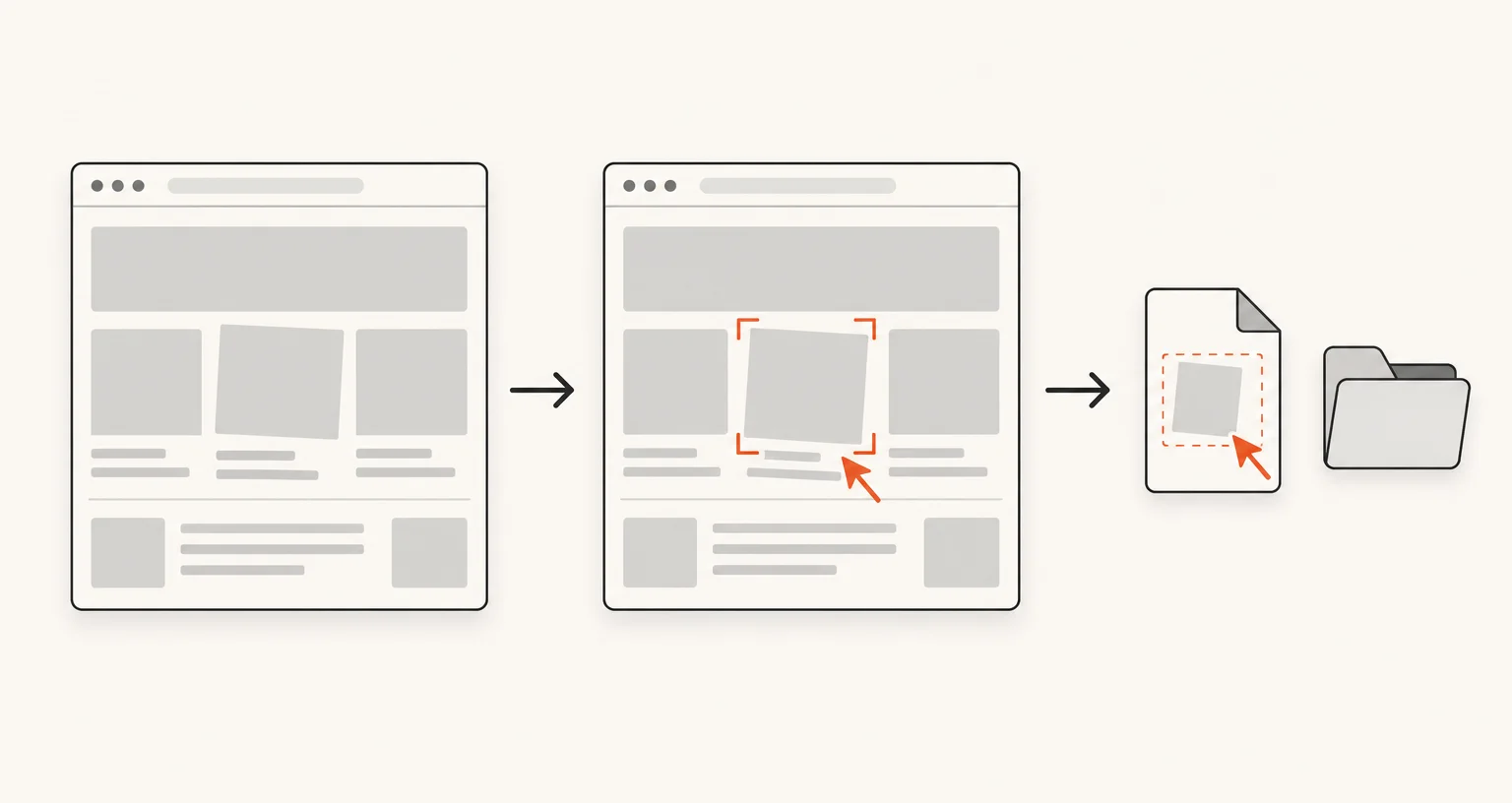
Reproduce the issue, then capture it with the mode that matches what broke: Full page for a layout or rendering regression, Page frame (iframe) for a broken embedded widget or dashboard, Video frame for a problem at a specific moment in a video, or Select an area for a quick capture of just the broken component. The image opens in the annotation editor, where arrows, numbered markers, or text can point at exactly what’s wrong before you export it or copy it straight to the clipboard for a ticket.
Which modes matter most for bug reports?
- Full page: a whole page’s layout, exactly as it rendered. The mode to reach for when a regression affects spacing, alignment, or content further down the page than what’s on screen.
- Page frame (iframe): an embedded iframe (a payment widget, an embedded dashboard, a third-party form) captured whole, including cross-origin frames a plain screenshot can’t reach into.
- Video frame: one still image from an HTML5 video at the exact frame something went wrong, at the video’s own resolution.
- Select an area: the option to reach for when the bug is isolated to one visible component and the rest of the page doesn’t matter.
How do you protect sensitive data before sharing a bug report?
The annotation editor’s blur and pixelate tools cover account numbers, customer names, tokens, or anything else that shouldn’t leave your team before you export or copy the image, done locally, in the same editor, before the file exists anywhere else.
What about a bug that only shows up over several steps?
Record tab records the current tab with its own sound, useful for a multi-step reproduction that’s easier to show than to describe in a ticket. Trim the recording, then export it as MP4, WebM, or a GIF.