Image capture
Screen capture in Chrome
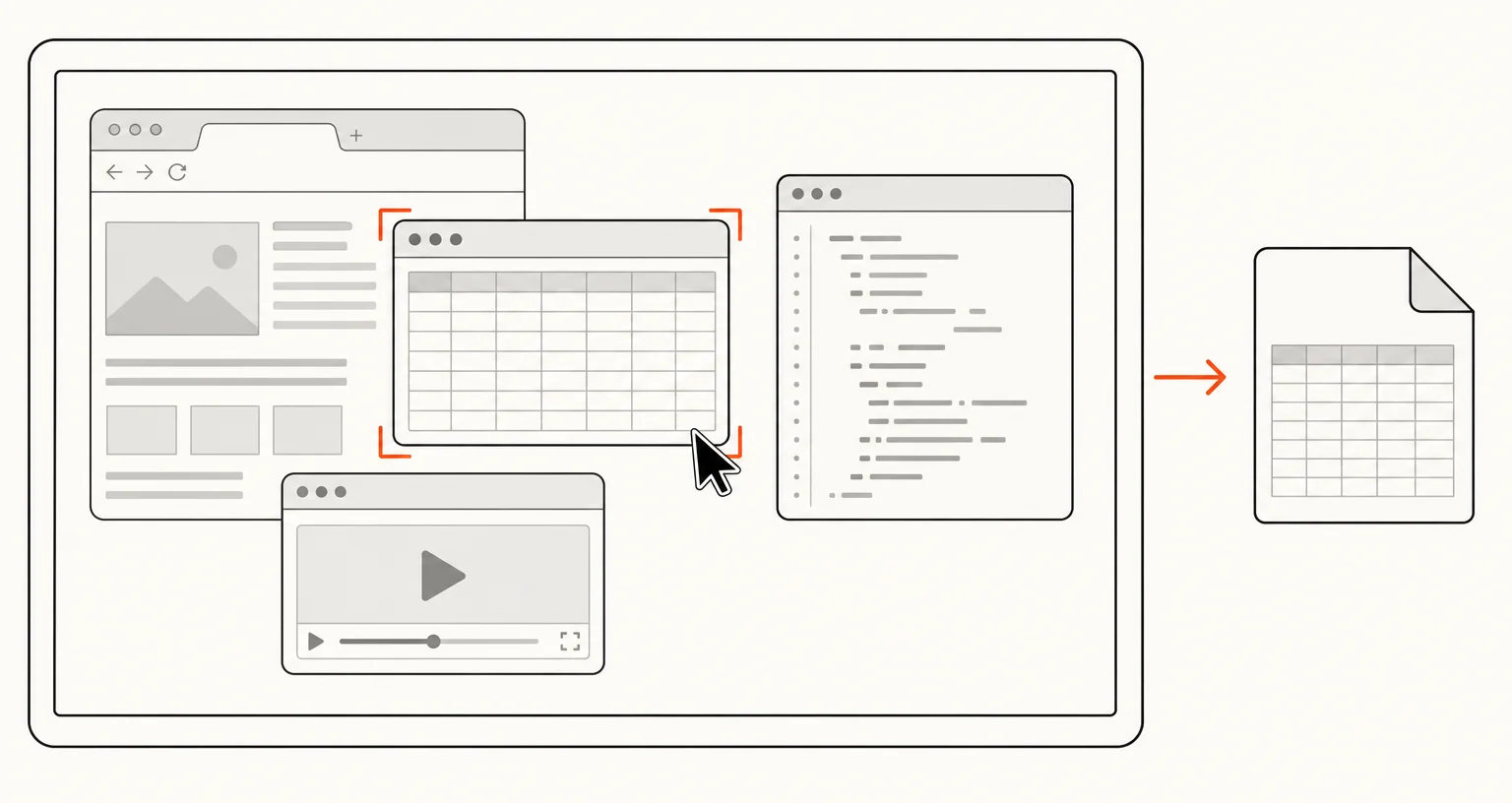
The Screen or window mode takes a still image of your whole screen, or of one window or application, using Chrome's screen picker. It is not limited to the current tab, so you can capture other applications. The image opens in the annotation editor.
Published · Updated
How do you capture the screen?
Open the popup, choose Screen or window, then pick a screen or a window in the dialog Chrome shows. The image is captured and opens in the editor. Chrome asks you each time, so nothing on your screen is captured without an explicit choice. There’s no keyboard shortcut or right-click menu entry for this mode; it starts from the popup only.
When should you use it instead of Visible area, and how does it compare to recording?
Use Visible area for the current browser tab. Use Screen or window when you need another application, several windows at once, or your full desktop: anything beyond what a single Chrome tab shows. Screen or window is a still image: to capture the same kind of source (screen or window) as a video instead, use Record screen / window, the neighbor mode that shares its screen picker but produces a recording rather than one frame.
What happens after the capture?
The image opens in the same annotation editor as every other image mode, with the same Settings and export options: PNG or JPEG, PDF, copy to the clipboard, auto-download, preview, URL and date stamp, 50% downscale, and an optional delay before the capture: useful for arranging a window the way you want it before the picker dialog appears.
Frequently asked questions
Can I capture a specific application instead of my whole screen?
Yes. Chrome's own picker lets you choose a single window or application, not only the entire screen.
Does Screen or window record video?
No, it takes one still image. To record instead, use Record tab or Record screen / window.
Should I use this for the current browser tab?
Visible area or Full page are more direct for the tab you're in. Screen or window is meant for windows and applications outside the browser, or your full desktop.